
Universal Zero Trust Network Access (ZTNA)
One access policy. Every user, everywhere.
Universal ZTNA lets organizations create a single access policy to enterprise resources based on risk and least-privilege principles.
Today’s Challenges
Remote access outgrew the VPN.


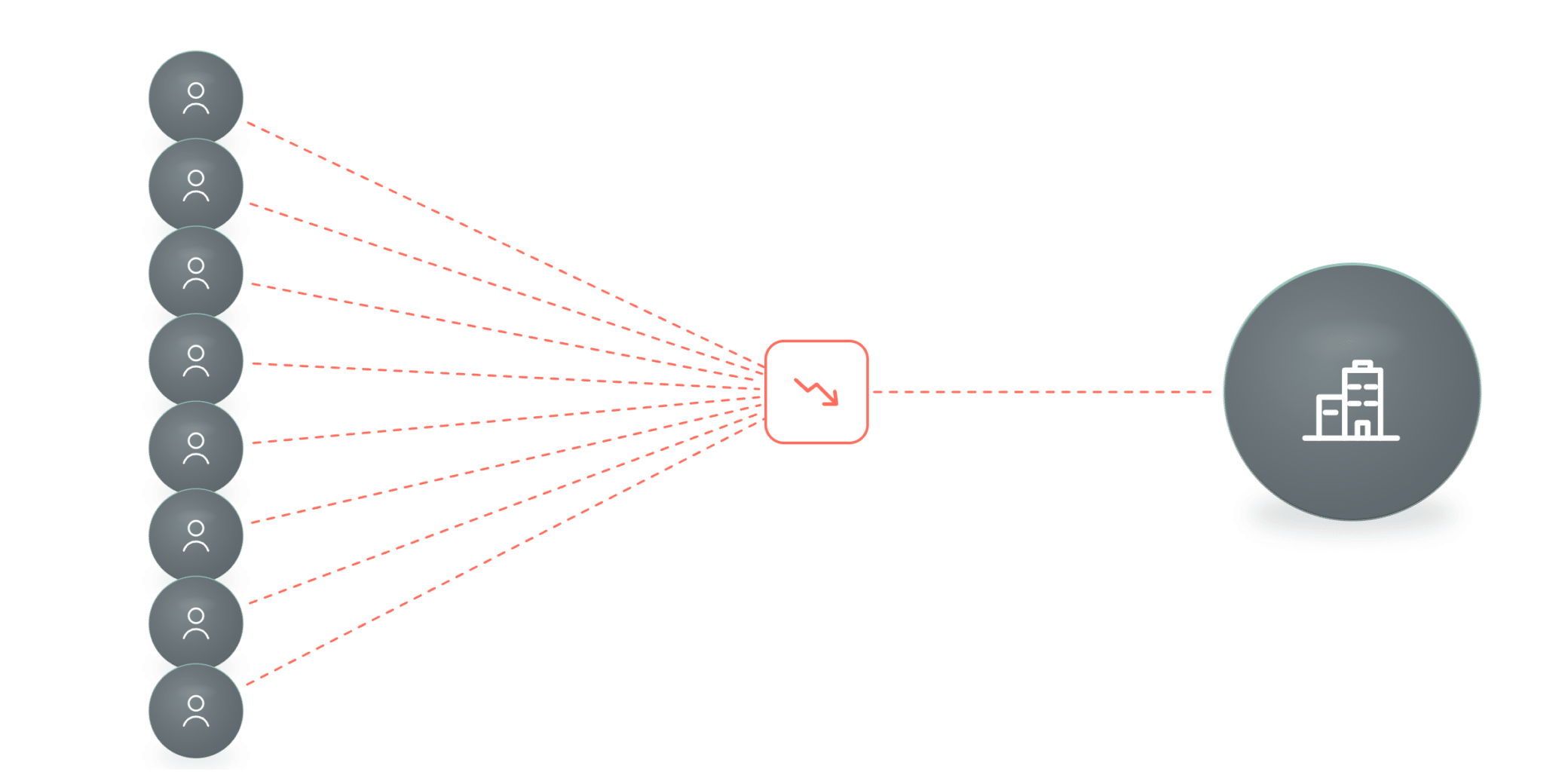
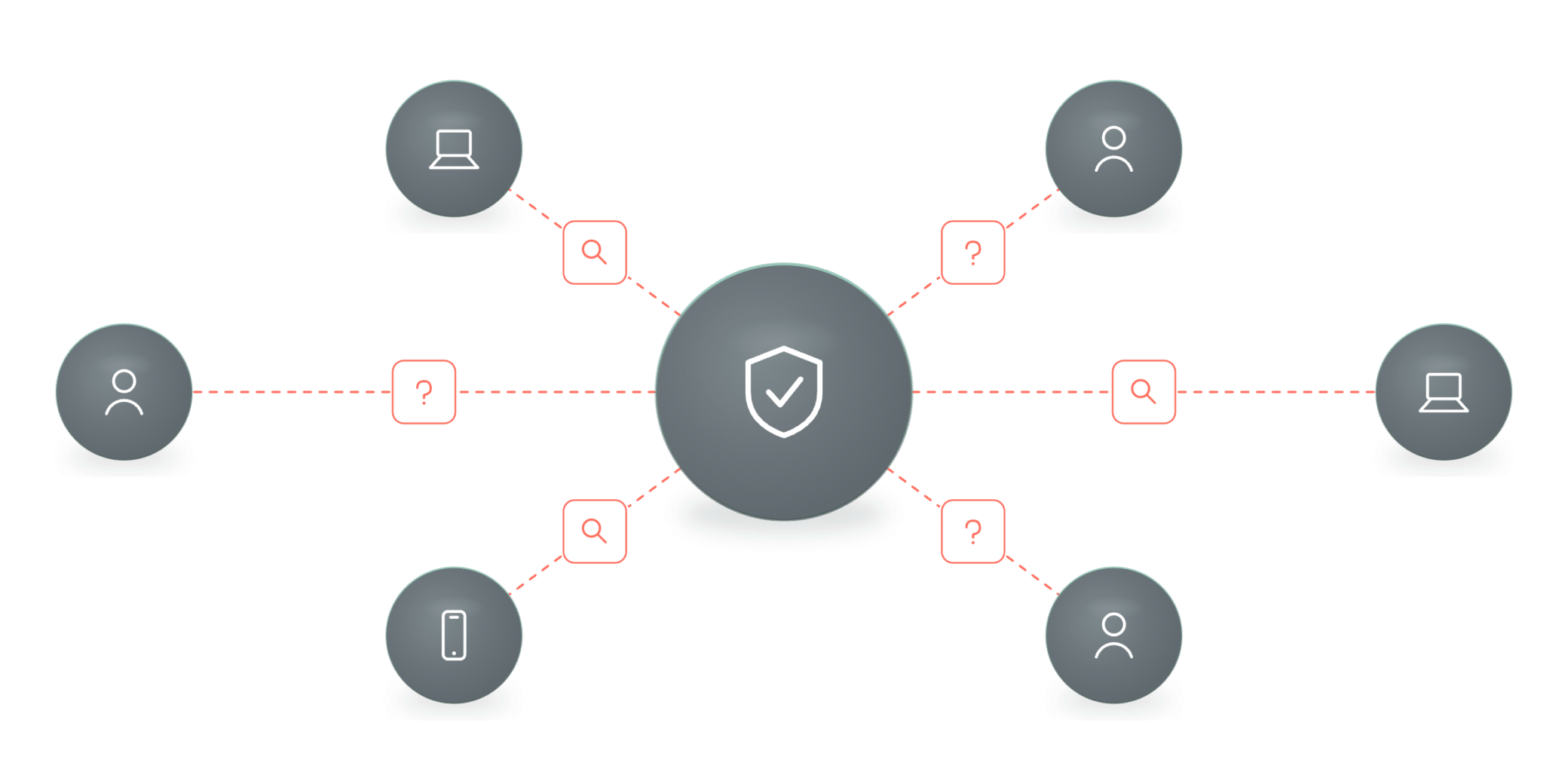
Legacy VPN risk
Most ZTNA tools secure only corporate-managed endpoints, leaving unmanaged and BYOD devices on risky VPNs.
VPN risk
Inconsistent
Performance
No visibility
Our approach
One policy.
Every user, everywhere.
Perimeter VPNs grant too much access and see too little. Cato Universal ZTNA applies identity- and context-based least-privilege access to every user, device, and resource — in the office or remote — under one policy that follows the user everywhere.


Define one risk-based policy
Control access with identity plus device posture, geography, application risk, and compliance ratings.

Enforce everywhere
Apply the same policy across the global cloud for every user — office, home, or remote.

Optimize and monitor
Deliver optimized access over the private backbone and track every session in one dashboard.
eBook
ZTNA to Universal ZTNA
Hybrid work broke the VPN. See how Universal ZTNA applies one consistent policy to every user, device, and location.
How it works
Universal Zero Trust Network Access (ZTNA) Capabilities
Identity + context
Single, risk-based ZTNA policy everywhere
Cato’s Universal ZTNA uses a single risk-based policy to control user access to sensitive data using identity and access context.
One policy by identity and access context
Factor posture, geography, app risk, and compliance
Enforced across the global cloud for all users
Posture, continuously
Continuous device posture evaluation
Cato evaluates connected device posture at connection and throughout the session, restricting access when checks fail.
Check OS, anti-virus, encryption, firewall, location
Re-evaluate continuously throughout the session
Terminate or restrict access on failure
See it in action
Watch how Cato does it

Cato ZTNA
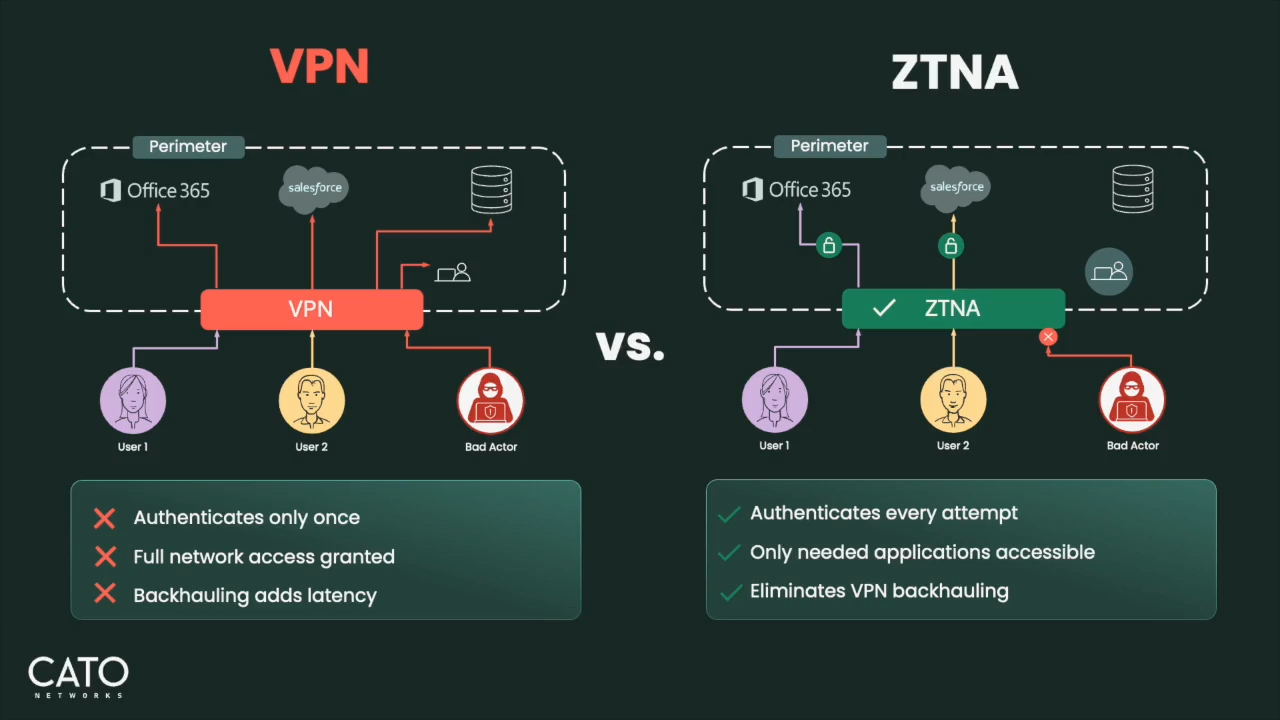

Zero Trust Network Access Video Demo
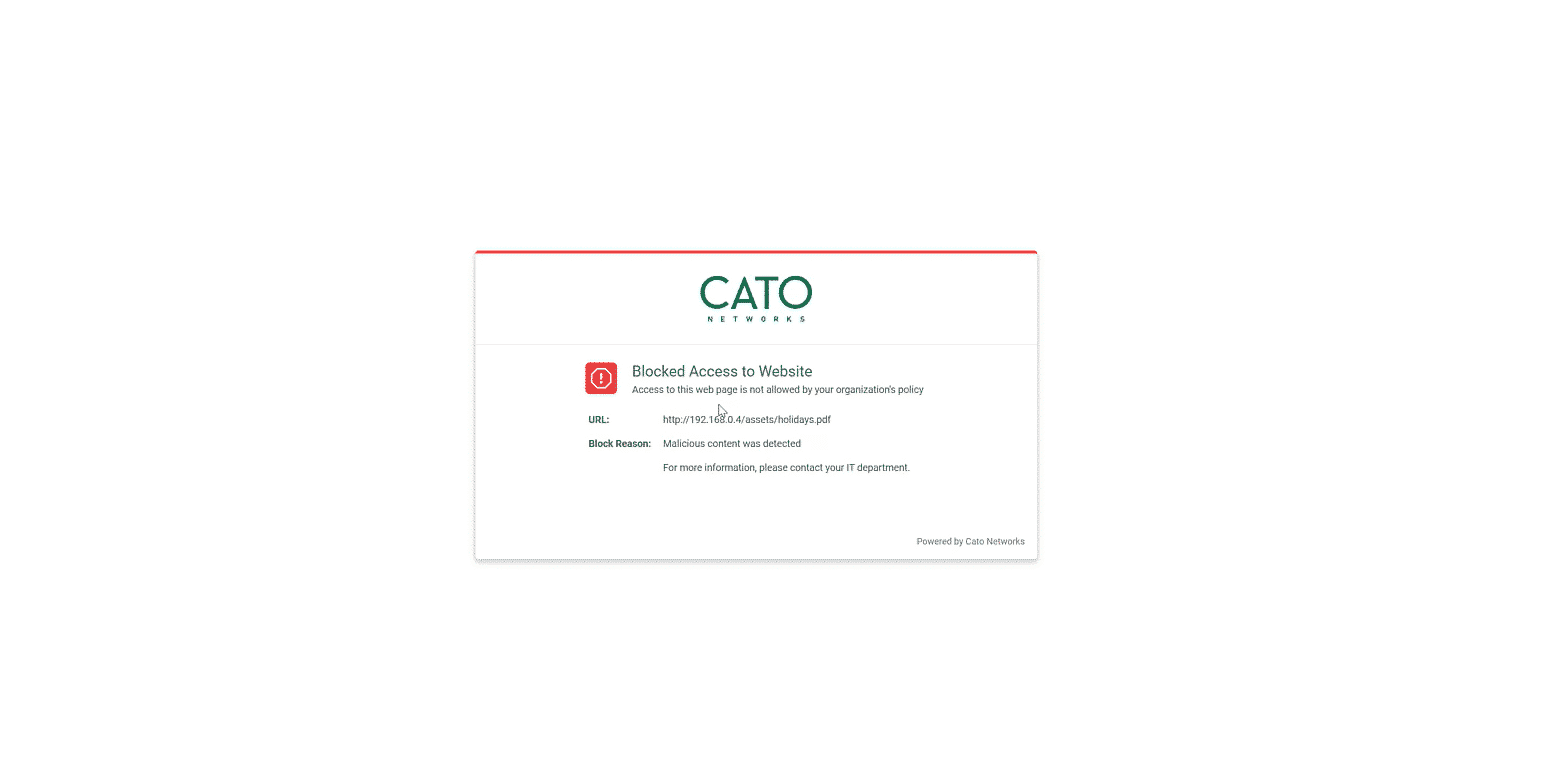
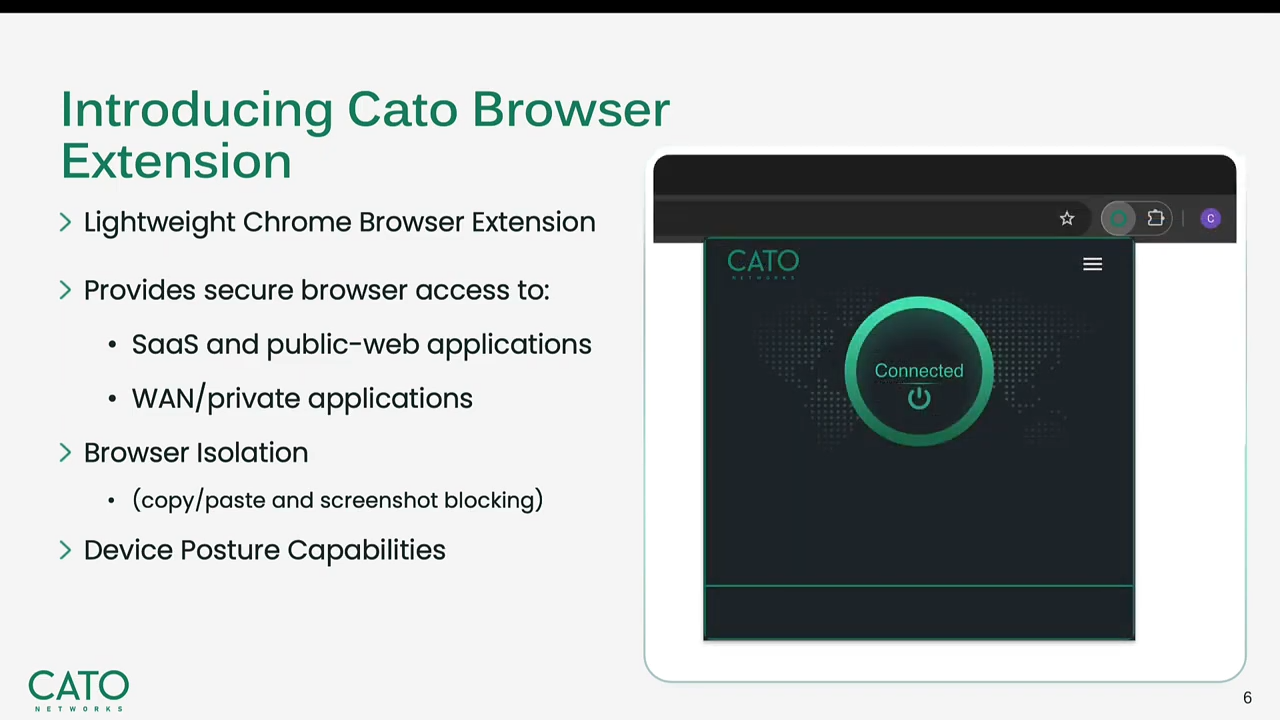
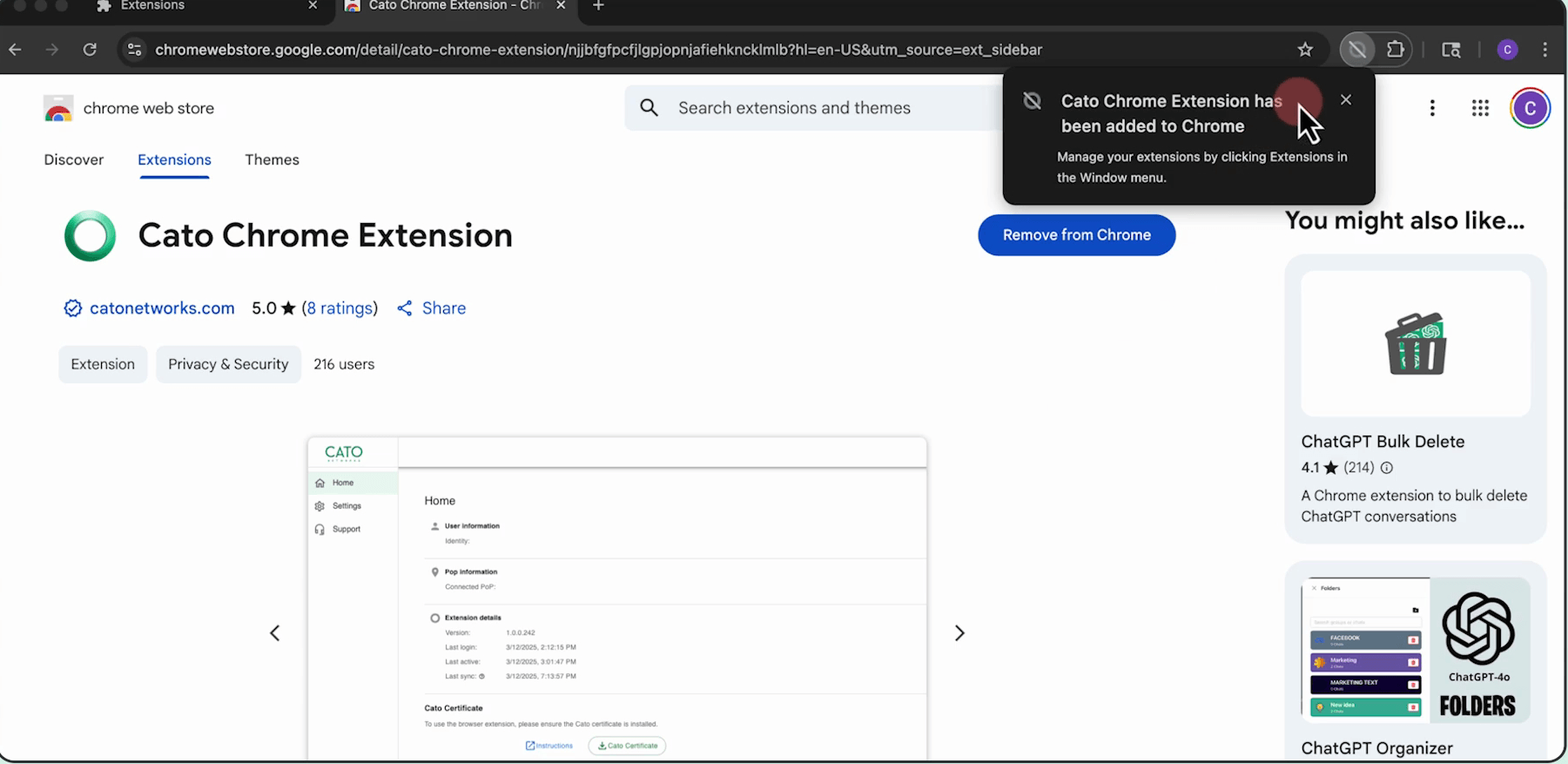
Cato Browser Extension
Secure BYOD Access
Customer Stories
Customers love Cato
“
We have one platform, one team, and we’re 80% of the way to full Zero Trust. Cato didn’t just consolidate our environment—it gave us a future-proof network to build on.
Douglas Arnn
Director of IT Infrastructure, Trimark

Timothy Hall
Security Engineer, Collectors

Rodney Masney
Chief Information Officer, O-I
Get a live demo
Secure every interaction across the enterprise, cloud, and AI with the only purpose-built SASE platform.
What to expect

15–30 minute session with a SASE product expert

Discuss your use cases and how we can help

Live product demonstration where applicable
Get Started
See Cato in Action
What’s new
Universal ZTNA resources in one place


SOLUTION BRIEF
UZTNA Solution Brief
EBOOK
ZTNA to Universal ZTNA
EBOOK
Building a Successful Zero Trust Strategy with Cato SASE Cloud Platform
WHITE PAPER
Safeguarding Patient Data with ZTNA: Modernizing Healthcare Security
WEBINAR
Implementing a Zero Trust Security Model for the Enterprise
EBOOK
Securing the Unmanaged: Zero Trust Access for BYOD and Contractors
FAQS
Answers to common questions
How does Cato Universal ZTNA enforce one access policy everywhere?3 questions
What is Cato Universal ZTNA and how does it differ from traditional ZTNA?
Cato Universal ZTNA applies a single, risk-based access policy to every user, device, and resource – whether they are in the office, working from home, or connecting remotely. Traditional ZTNA tools often secure only corporate-managed endpoints, leaving unmanaged and BYOD devices on legacy VPNs. Cato’s approach enforces the same policy across its global cloud for all users, eliminating the inconsistency that comes from having different rules by location or device type.
How does zero trust network access improve security compared to a VPN?
VPNs grant broad, network-level access after authentication, which creates a large attack surface and allows lateral movement if credentials are compromised. ZTNA enforces least-privilege, application-level access based on identity and context, so users can only reach the specific resources they are authorized for. Cato also evaluates device posture continuously throughout each session, restricting or terminating access automatically if a device falls out of compliance.
What factors does Cato evaluate when enforcing a zero trust access policy?
Cato’s single risk-based policy factors in user identity, device posture, geography, application risk, and compliance ratings. Device posture checks include OS patch status, anti-virus, disk encryption, and firewall state. These checks run at the start of every session and continue throughout, so access can be restricted or terminated in real time if a device becomes non-compliant.
How does Cato support managed, BYOD, unmanaged, and third-party access?3 questions
How does Cato handle access for contractors, third parties, and BYOD devices?
Cato provides two options for users who cannot or should not install a client. The Cato Enterprise Browser Extension delivers granular zero-trust access for BYOD and unmanaged devices directly through an existing browser, with cloud-delivered threat prevention included. For contractors and third parties, Cato also supports clientless, browser-based access to private applications through a web portal that can be published in minutes and integrated with your existing SSO and MFA.
What device operating systems and deployment methods does Cato Universal ZTNA support?
The Cato client supports Windows, macOS, iOS, Android, and Linux on both corporate-owned and BYOD devices. Organizations can deploy centrally through common Mobile Device Management tools or provide a self-service portal for external contractors, making rollout straightforward regardless of the device mix.
Who is Cato Universal ZTNA designed for?
Cato Universal ZTNA is built for organizations that need to secure a mix of managed, BYOD, and unmanaged devices across office, home, and remote locations under a single consistent policy. It is particularly relevant for teams looking to retire legacy VPNs, extend secure access to contractors and third parties, or consolidate multiple point security products into one platform.
How does Cato Universal ZTNA improve remote access operations?3 questions
How does remote application performance compare to an in-office experience?
Cato routes traffic over its global private backbone with Quality of Service capabilities, optimizing paths to both cloud and on-premises resources. This means remote users receive the same optimized application experience as colleagues working from a physical office, without the performance drag caused by backhauling traffic to a central inspection point.
What visibility do administrators get into remote user activity?
A dedicated dashboard gives administrators a real-time view of connected users, their location, device, and posture status, as well as per-user application usage analytics. One-click filtering makes it straightforward to investigate events and adjust policy, addressing the lack of remote visibility that is a common limitation of legacy VPN environments.
Can an organization adopt Cato Universal ZTNA without replacing its entire network infrastructure at once?
Yes. Cato’s modular approach allows organizations to start with Universal ZTNA as a standalone capability and expand into broader SASE capabilities over time at their own pace. This makes it practical to retire VPNs incrementally while building toward a full zero trust architecture without a disruptive forklift migration.


