
Cato Browser Extension
Secure the browser. Skip the VPN.
The Cato Browser Extension enables secure browser-based access for unmanaged and BYOD users.

Today’s Challenges
External access is a blind spot.


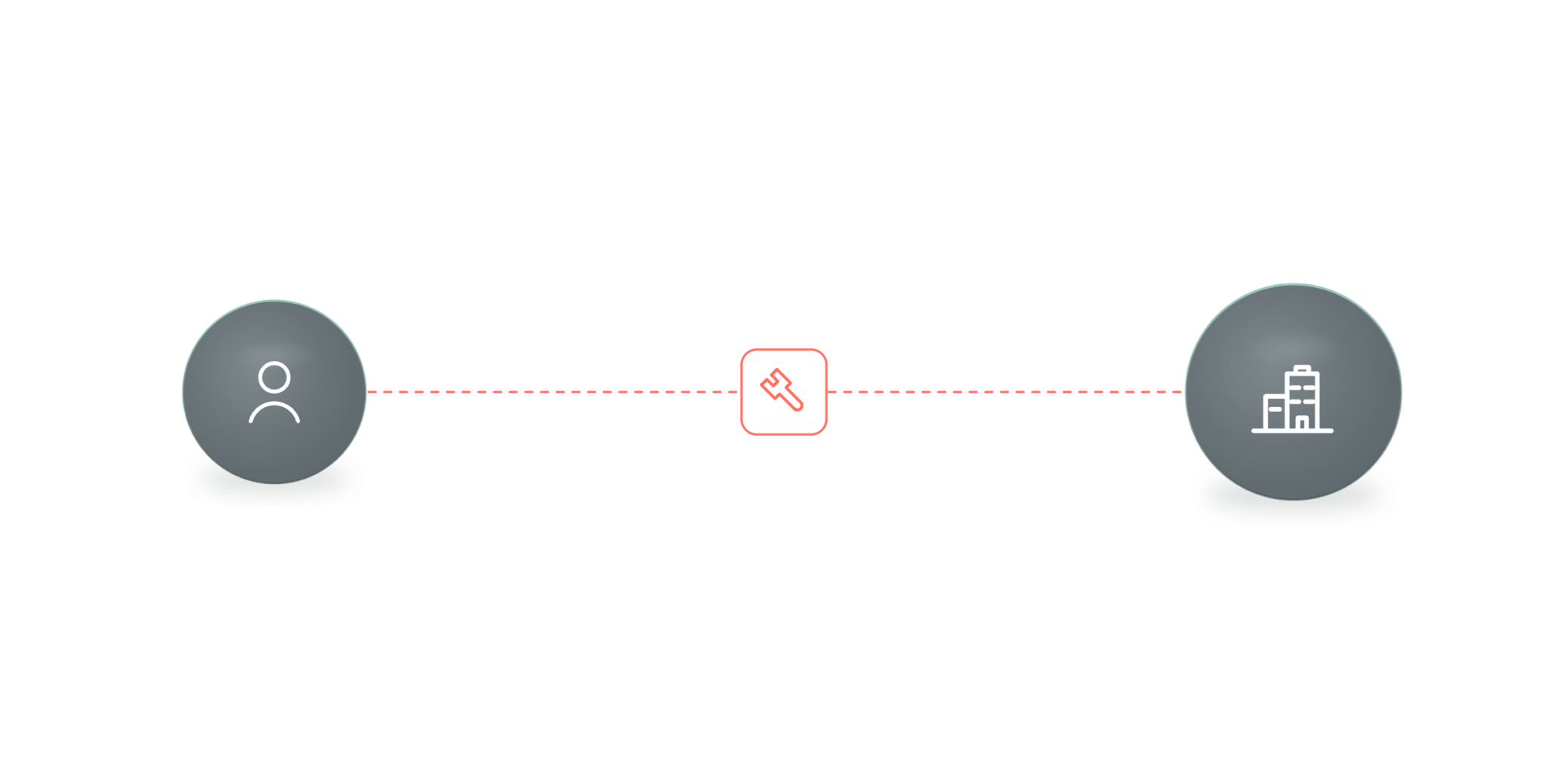
Cumbersome VPNs for BYOD
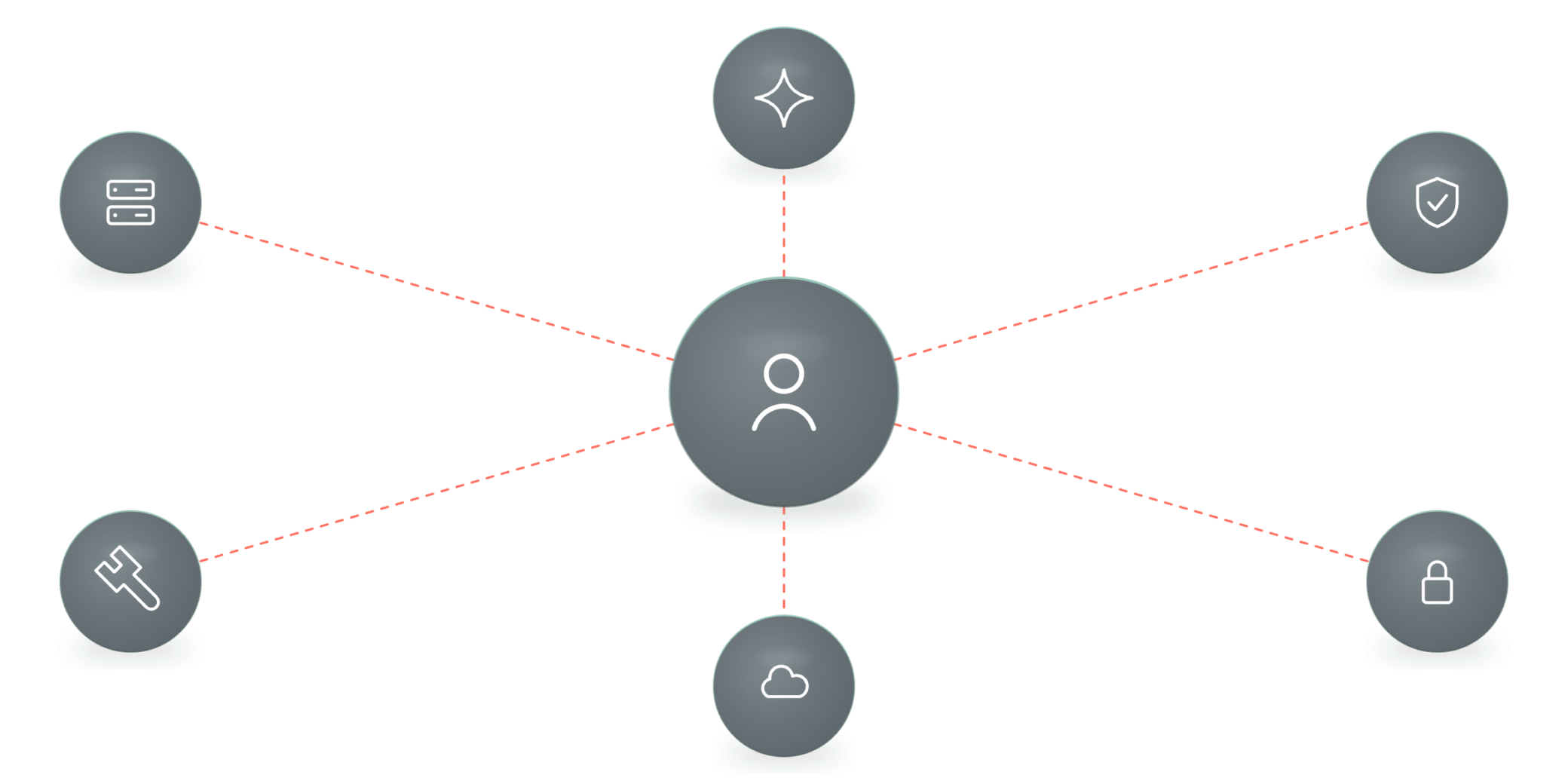
Unmanaged and BYOD users rely on cumbersome VPNs or siloed browser products, creating visibility gaps and compliance risk.
VPN friction
Security gaps
Tool sprawl
Slow onboarding
Our approach
Secure the browser.
Skip the install.
The browser is where modern work — and modern risk — lives. The Cato Browser Extension extends SASE protection and visibility directly into managed and unmanaged browsers, securing access and data without routing every session through an appliance.


Install the extension
Users add the Cato Browser Extension to their existing browser — no client, no new tools to learn.

Enforce full-stack policy
Apply the complete Cato security stack to every session, inspected in real time at the nearest PoP.

Manage centrally
Gain visibility, policy, and troubleshooting for all users in the Cato Management Application.
eBook
Securing the Unmanaged: Zero Trust Access for BYOD and Contractors
How it works
Cato Browser Extension Capabilities
Contractors, partners, BYOD
Secure access for unmanaged and BYOD devices
Cato Browser Extension extends Cato ZTNA to seamlessly secure unmanaged users and their devices.
Consistent, frictionless access to SaaS and internal apps
Security policies enforced centrally from the cloud
No cumbersome VPN or siloed browser product
No security tradeoffs
Full stack security at scale for all users
The extension enforces the full Cato security stack just like client-based or site-based access.
Threat prevention, data protection, and access control
Real-time inspection at the nearest Cato PoP
Centrally managed, applied uniformly to every session
See it in action
Watch how Cato does it

Zero Trust Access for Any Device – Demo
Customer Stories
Customers love Cato
“
We were getting a lot of issues when vendors had their own clients installed, like Zscaler, which conflicted with GlobalProtect. They’d have to disconnect from one before connecting to the other, which was a pain. Having the browser access control with Cato has really helped in that scenario.
VP of Information Systems
Midsize Financial Services Provider

IT Leader
Financial Services Company

Get a live demo
Secure every interaction across the enterprise, cloud, and AI with the only purpose-built SASE platform.
What to expect

15–30 minute session with a SASE product expert

Discuss your use cases and how we can help

Live product demonstration where applicable
Get Started
See Cato in Action
What’s new
Latest resources and insights

Webinar


Solution Brief
FAQS
Answers to common questions
How does the Cato Browser Extension secure BYOD and contractor access without a VPN?4 questions
What is the Cato Browser Extension and what problem does it solve?
The Cato Browser Extension gives contractors, partners, and employees using personal devices secure access to business applications without requiring a VPN or full endpoint client. It helps organizations securely extend Zero Trust access to unmanaged and BYOD devices while applying centrally managed security policies. This reduces onboarding effort, eliminates the need for separate remote access tools, and closes security gaps created by unmanaged devices.
How does clientless ZTNA work for contractors and BYOD users?
Users install a lightweight browser extension and authenticate using their existing corporate identity. Traffic is inspected, and security policies are enforced in the Cato Cloud, with users connecting through the nearest Cato Point of Presence (PoP). There is no full endpoint client to deploy, making it easy to onboard external users in minutes.
How does this approach compare to using a VPN for external and BYOD access?
Traditional VPNs require users to install endpoint software and typically provide broad network access. The Cato Browser Extension provides browser-based Zero Trust access for supported applications without requiring a VPN. Security policies are enforced in the Cato cloud, reducing onboarding effort and avoiding conflicts with other endpoint security software that may already be installed on unmanaged devices.
How quickly can external users be onboarded with a clientless zero-trust solution?
Users only need to install the Browser Extension and authenticate with their existing credentials. Without deploying a full endpoint client or VPN, contractors and BYOD users can typically be onboarded in minutes while remaining subject to centrally managed security policies.
How does Cato apply consistent policy to browser-based applications and sessions?2 questions
Does the Cato Browser Extension enforce the same security policies as client-based access?
Yes. The Browser Extension applies centrally managed Zero Trust access, threat prevention, and data protection policies to browser-based sessions. Policies are enforced in the Cato cloud and managed through the Cato Management Application (CMA), providing consistent security across both managed and unmanaged users.
What types of applications can BYOD and contractor users access through the Cato Browser Extension?
The Browser Extension provides secure access to SaaS applications and browser-accessible private applications. The same centrally managed security policies are applied across these applications without requiring a separate browser security product.
How does browser-based access fit into Cato’s unified management and SASE strategy?2 questions
Who manages visibility and policy for users connecting through the browser extension?
IT and security teams manage Browser Extension users through the Cato Management Application alongside all other users, sites, and security policies. This provides a single place to configure policies, monitor activity, and troubleshoot access across managed and unmanaged devices.
How does Cato’s browser-based access fit into a broader SASE strategy?
The Browser Extension extends Cato’s Universal Zero Trust Network Access (ZTNA) to users who cannot install a full endpoint client. Because it is part of the Cato SASE platform, organizations can apply consistent networking, security, and access policies across managed devices, BYOD users, contractors, and third parties using a single platform and management interface.


