
Cloud Access Security Broker (CASB)
See every cloud app. Even the shadow ones.
CASB gives IT comprehensive insight into cloud application usage.

Today’s Challenges
Cloud apps are a blind spot.
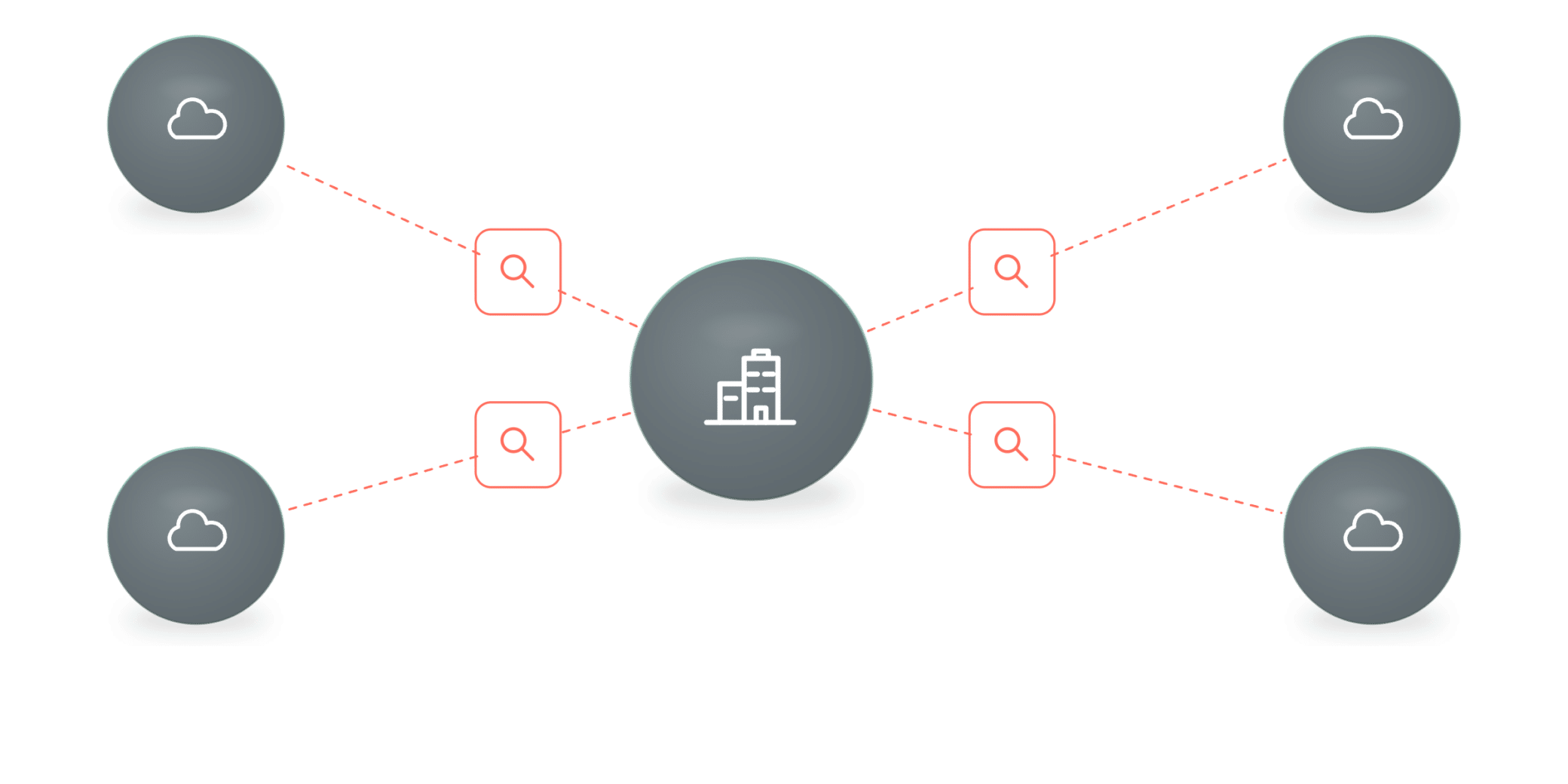
Shadow IT sprawl
With infinite cloud apps available, unsanctioned apps proliferate faster than IT can see or control them.
Shadow IT
Shadow AI
Data leakage
Manual review
Our approach
Discover every app.
Enforce least privilege.
CASB provides IT managers with comprehensive insight into their organization’s cloud application usage, covering both sanctioned and unsanctioned (Shadow IT and Shadow AI) applications. Cato’s CASB enables the assessment of each cloud application to evaluate its potential risk, and the definition of highly granular and flexible access rules to ensure least-privilege access and minimal exposure.


Discover every app
Monitor internet traffic to report all cloud apps, including sanctioned and unsanctioned applications, in a detailed dashboard.

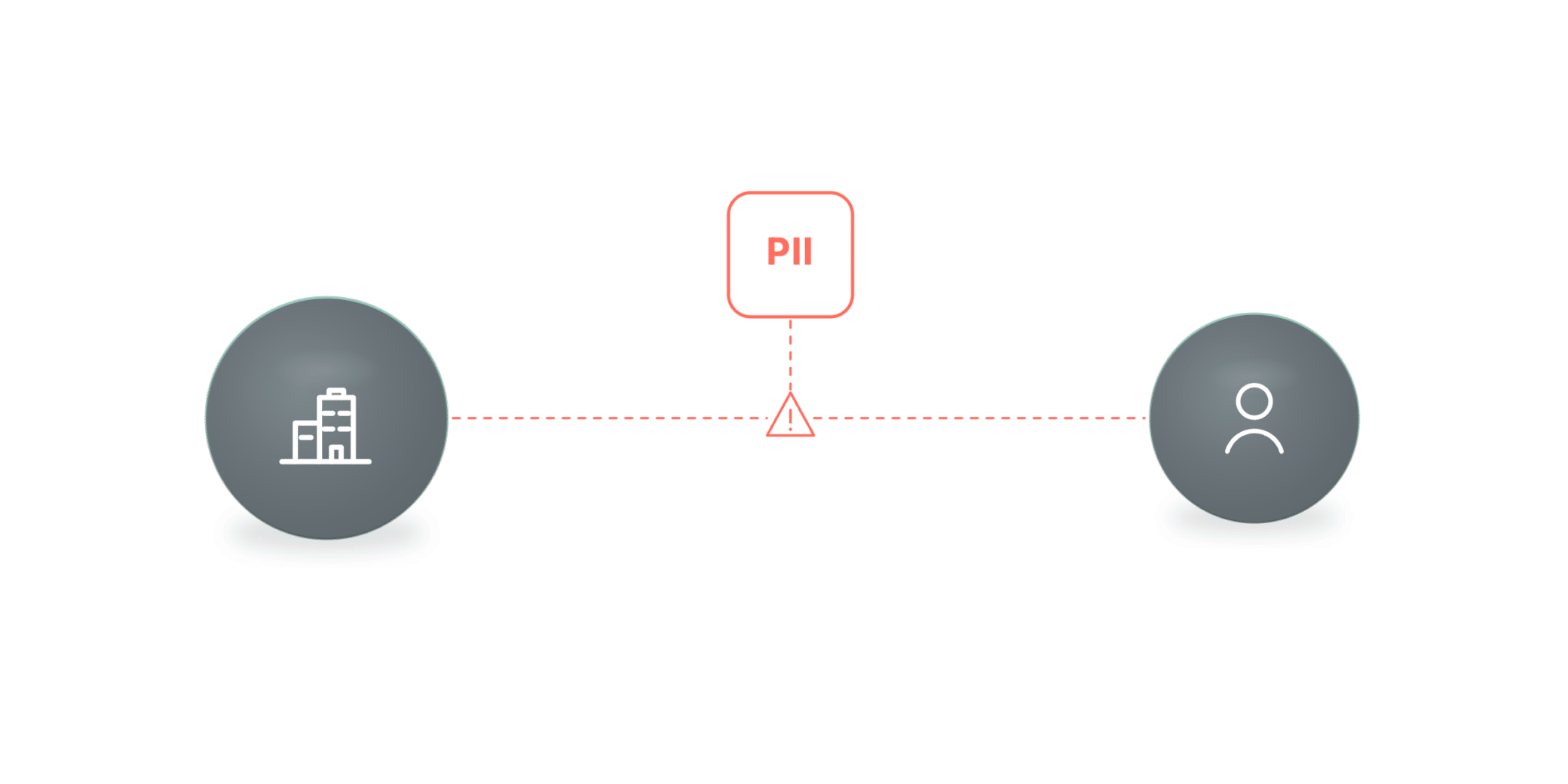
Score the risk
Use automated data collection and ML-based analysis to assign each app a calculated risk score with compliance insights.

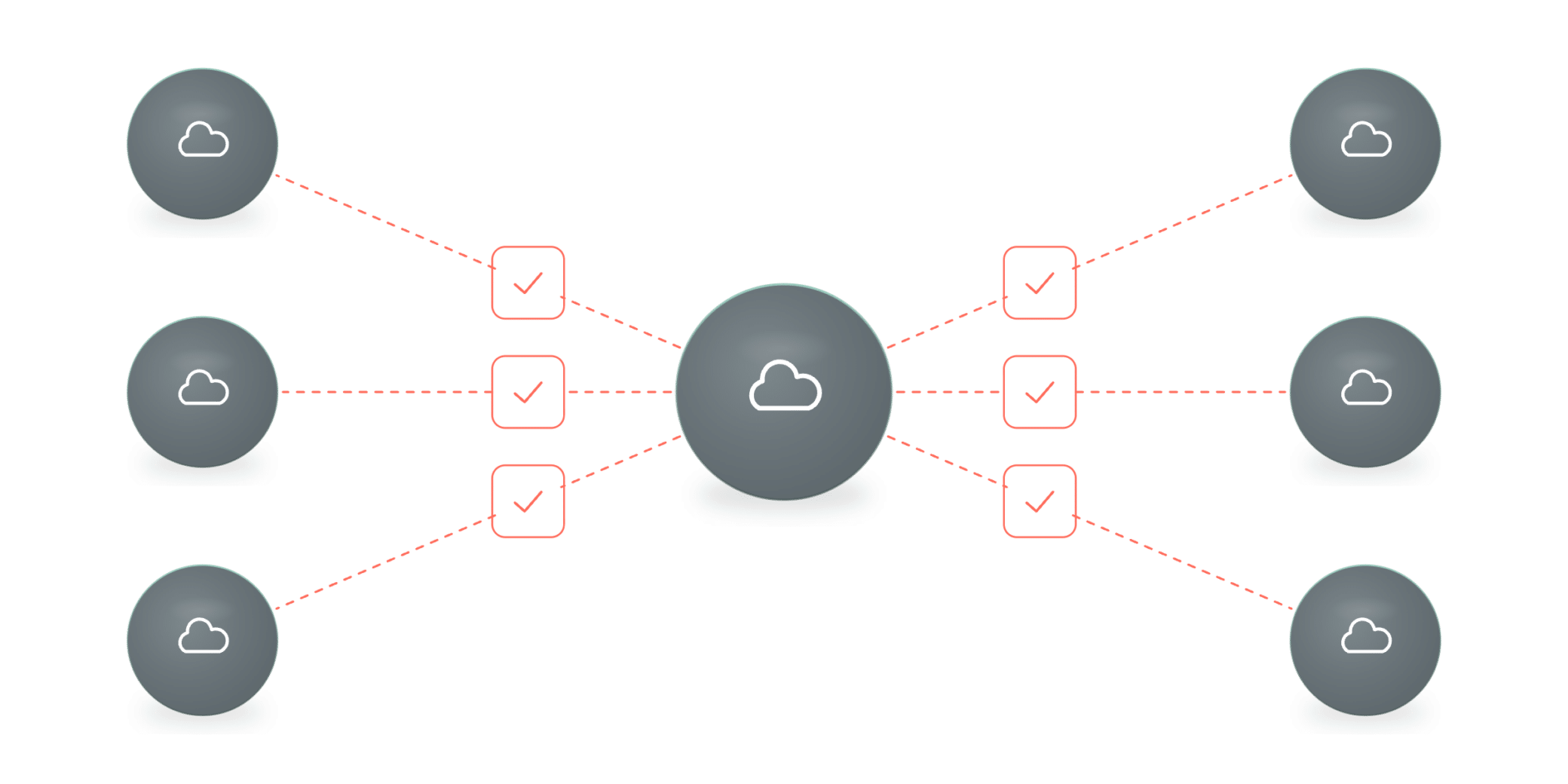
Enforce least privilege
Define granular, context-aware access rules down to sanctioned tenants and specific user actions.
White Paper
Cato CASB overview
How it works
Cloud Access Security Broker (CASB) Capabilities
Shadow IT control
Full cloud application visibility
Cato monitors internet traffic and reports all cloud applications in use in a detailed, filterable dashboard.
Surface high-risk apps, activity, and usage volume
See app categories across the organization
Tag each app as sanctioned or unsanctioned
AI/ML risk scoring
Application risk and access control
Automated data collection and ML-based analysis assign each application a calculated risk score.
Cloud App catalog with compliance insights
Calculated, ML-based risk score per app
Block apps lacking MFA, SSO, or compliance
See it in action
Watch how Cato does it

Defend Against Shadow AI with Cato AI Security
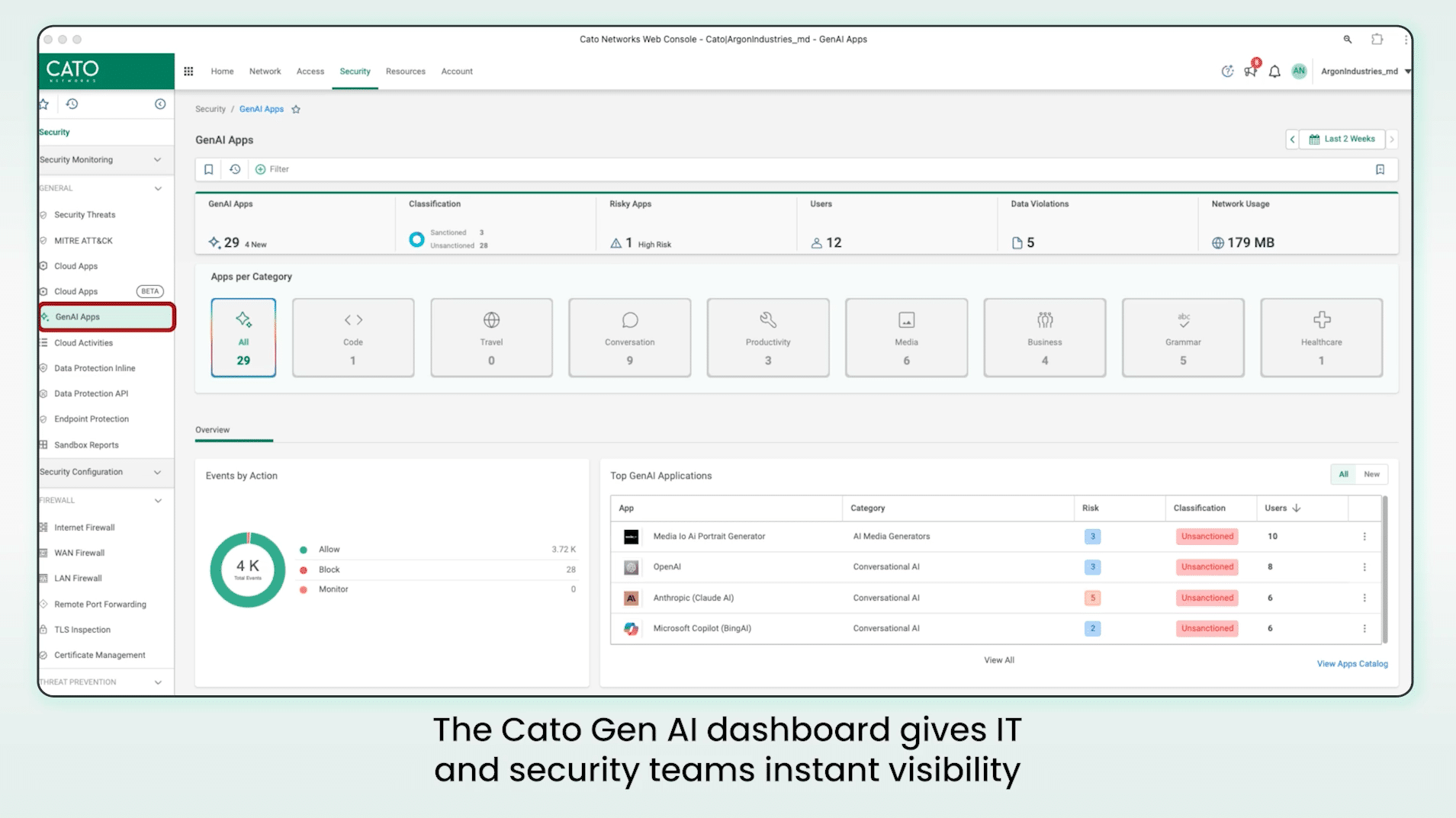
Unified Application Visibility & Control with Cato CASB
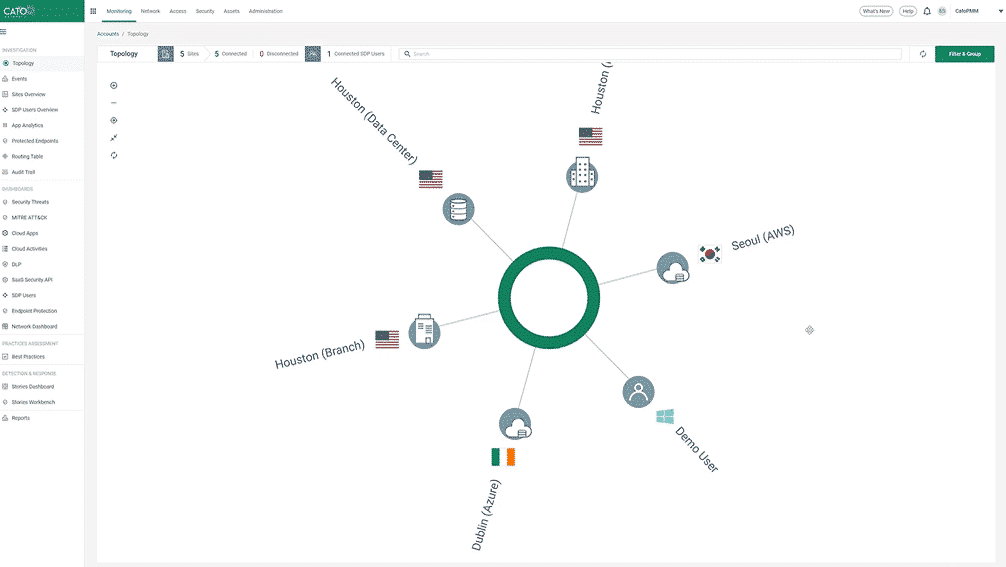
Cato CASB Product Deep Dive
Customer Stories
Customers love Cato
“
We’ve had CASB DLP enabled for less than 24 hours, and I’m already catching people doing things they shouldn’t. I can see this helping enforce our firewall policies after weeks of ignored notifications.
IT Leader
Capital Markets Exchange

Associate Director, Information Security
Midsize Advertising and Life Sciences Agency

CIO and CISO
Manufacturing Company
Rainer Reder
Head, Global IT Network, Häfele SE & Co. KG
Get a live demo
Secure every interaction across the enterprise, cloud, and AI with the only purpose-built SASE platform.
What to expect

15–30 minute session with a SASE product expert

Discuss your use cases and how we can help

Live product demonstration where applicable
Get Started
See Cato in Action
What’s new
Latest resources and insights


EBOOK
If You Give a Stack a Firewall
WHITE PAPER
Cato SSE 360: Finally, SSE with Total Visibility and Control
WHITE PAPER
Cato CASB overview
SOLUTION BRIEF
Zero Trust Security (SSE) Solution Brief
FAQS
Answers to common questions
What cloud-application risks can Cato CASB identify and assess?4 questions
What is Cato CASB and what does it do?
Cato Cloud Access Security Broker (CASB) gives security teams visibility and control over cloud application use from the Cato SASE Cloud Platform. It identifies sanctioned and unsanctioned applications, assesses application risk, and applies granular policies by user, application, tenant, and supported activity. Inline controls and API connections extend coverage across traffic traversing Cato and connected sanctioned SaaS applications. A CASB license is required.
How does Cato CASB discover Shadow IT and Shadow AI applications?
Cato analyzes internet traffic that traverses the Cato Cloud, identifies observed cloud applications, and combines usage data with App Catalog metadata and risk scores. The Applications Dashboard shows which apps are in use, who uses them, traffic volume, and whether they are sanctioned or unsanctioned. The GenAI Apps Dashboard provides a dedicated view of inline GenAI usage, including Shadow AI. Inline activity visibility and enforcement require traffic to traverse Cato with TLS Inspection enabled.
How does Cato CASB assign risk scores to cloud applications?
Cato assigns each application a default risk score from 0, no risk, to 10, very high risk. An in-house AI engine evaluates security and compliance metadata, recent vulnerability and breach information, threat intelligence, and relevant news sentiment. Administrators can override the default score for their account. Application Control rules can then use the score or specific app attributes, such as MFA, SSO, and compliance support, as policy criteria.
Who is Cato CASB designed for?
Cato CASB is designed for security and IT teams responsible for SaaS governance, Shadow IT, application risk, and data exposure. It is especially relevant for organizations with rapid cloud adoption, distributed users, sanctioned and unsanctioned SaaS, or growing GenAI use. Inline and API-based visibility help these teams apply consistent policy and investigate cloud activity from the same management experience used for Cato networking and security.
How does Cato CASB enforce least-privilege SaaS and GenAI access?4 questions
How does a CASB differ from simply blocking cloud apps at the firewall?
The Cato Internet Firewall controls whether users can reach applications and application categories. Cato CASB adds risk, sanction status, tenant, user, device, and activity context for supported cloud applications. Administrators can allow an approved application while blocking a higher-risk action, such as an upload, or restrict sign-in to an enterprise-sanctioned tenant. This supports least-privilege access without treating every action inside an application the same way.
How does Cato CASB help govern GenAI application use?
Cato CASB helps identify sanctioned and unsanctioned GenAI applications, assess application risk, and apply access, tenant, and supported-activity policies. With Cato Data Loss Prevention (DLP), security teams can detect or block sensitive content sent to AI services; DLP requires the appropriate license. AI Security for End Users extends beyond CASB with prompt and response analysis, AI-specific acceptable-use controls, and real-time guardrails.
How does Cato CASB handle the risk of data leaking through sanctioned SaaS apps?
SaaS tenant restriction lets administrators limit access to enterprise-sanctioned tenants within supported applications, reducing the risk of users moving business data into personal accounts. It is one layer of protection, not a complete data-leakage control. Application Control can govern supported activities such as upload or download, while Cato Data Loss Prevention (DLP) can inspect sensitive content. DLP capabilities require the appropriate DLP license.
What kinds of user actions can be governed within cloud applications?
Supported actions vary by application and inspection mode. Inline Application Control can govern documented activities such as login, upload, download, and view. App Activities maps audit events from connected SaaS applications into categories such as login, search and view, share, upload, download, and administrative changes. Administrators should build rules and investigations from the activities listed for each application in the App Catalog or connector documentation.
How do inline and API-based CASB capabilities work together?2 questions
How do inline and API-based CASB capabilities work together?
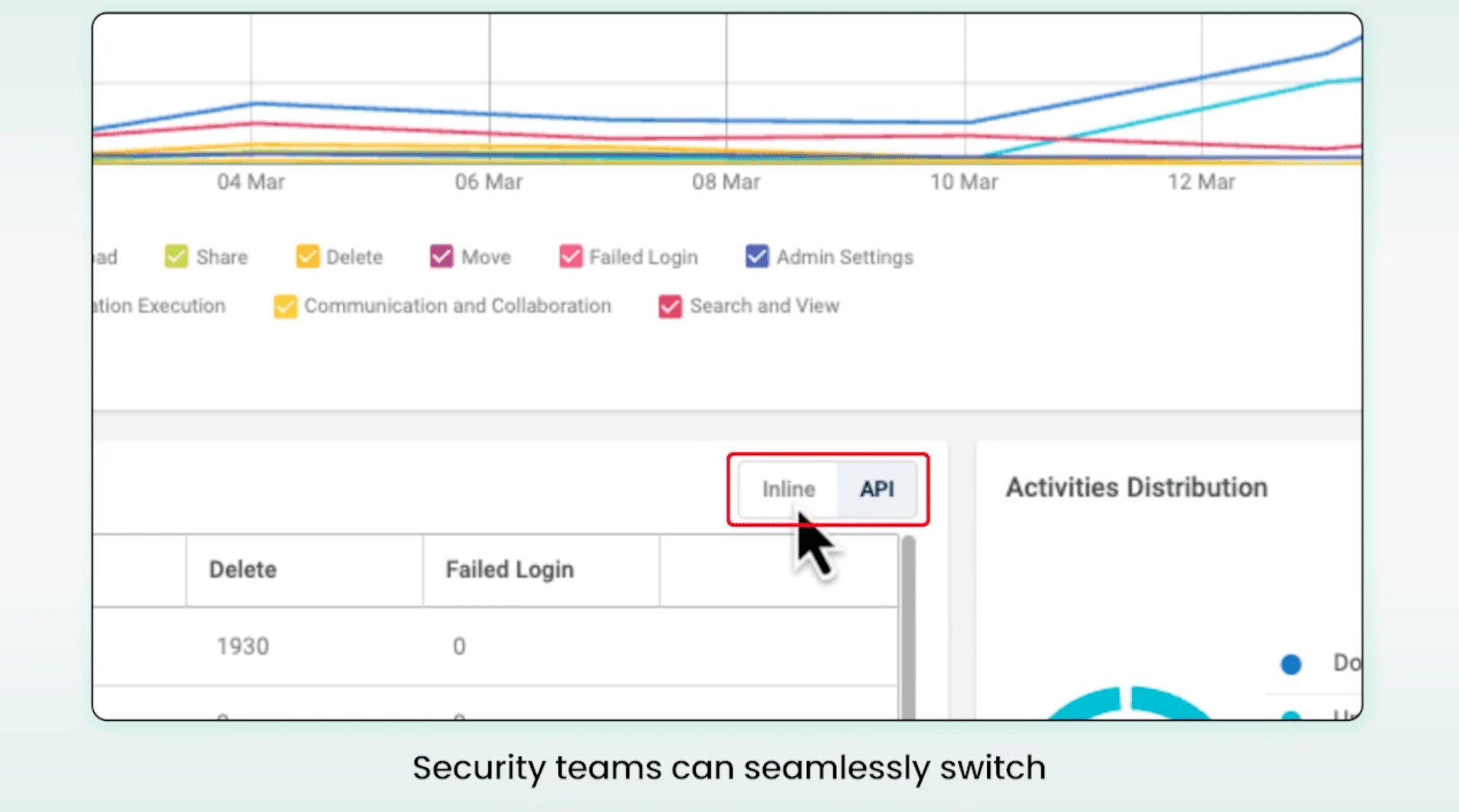
Inline Application Control inspects HTTP/S traffic for users connected to the Cato Cloud and requires TLS Inspection for granular activity enforcement. App Activities connects directly to supported sanctioned SaaS applications and provides out-of-band visibility even when a user is not connected to Cato or TLS Inspection is disabled. Both feed events to the Cloud Activities Dashboard, but available monitoring and enforcement depend on the application and inspection mode.
How does Cato CASB work with Cato DLP and other security capabilities?
Cato CASB is managed through the Cato Management Application and uses application, user, device, and policy context from the Cato SASE Cloud Platform. It works with Internet and WAN Firewall policies for access decisions and with Cato DLP for sensitive-content inspection. No separate CASB appliance or console is required. A CASB license is required; DLP, TLS Inspection, traffic routing, policies, and SaaS API connectors must be licensed or configured as applicable.


