Cato AI Endpoint secures browser AI, desktop AI and coding agents on every endpoint

|
Listen to post:
🔊 This audio player requires that "Preferences" cookies be accepted
|
AI used to live in a browser tab. Today it also runs inside the apps employees use every day, like Copilot in Word, in dedicated apps like ChatGPT and in coding agents such as Claude Code, Codex and Cursor.
Coding agents work differently from chat apps. A chat app answers a question and waits. A coding agent is given tools and takes actions on its own, with the developer’s access.
So every endpoint is becoming an agentic endpoint. Your security team now needs to know what the AI on those endpoints does and whose data it touches.
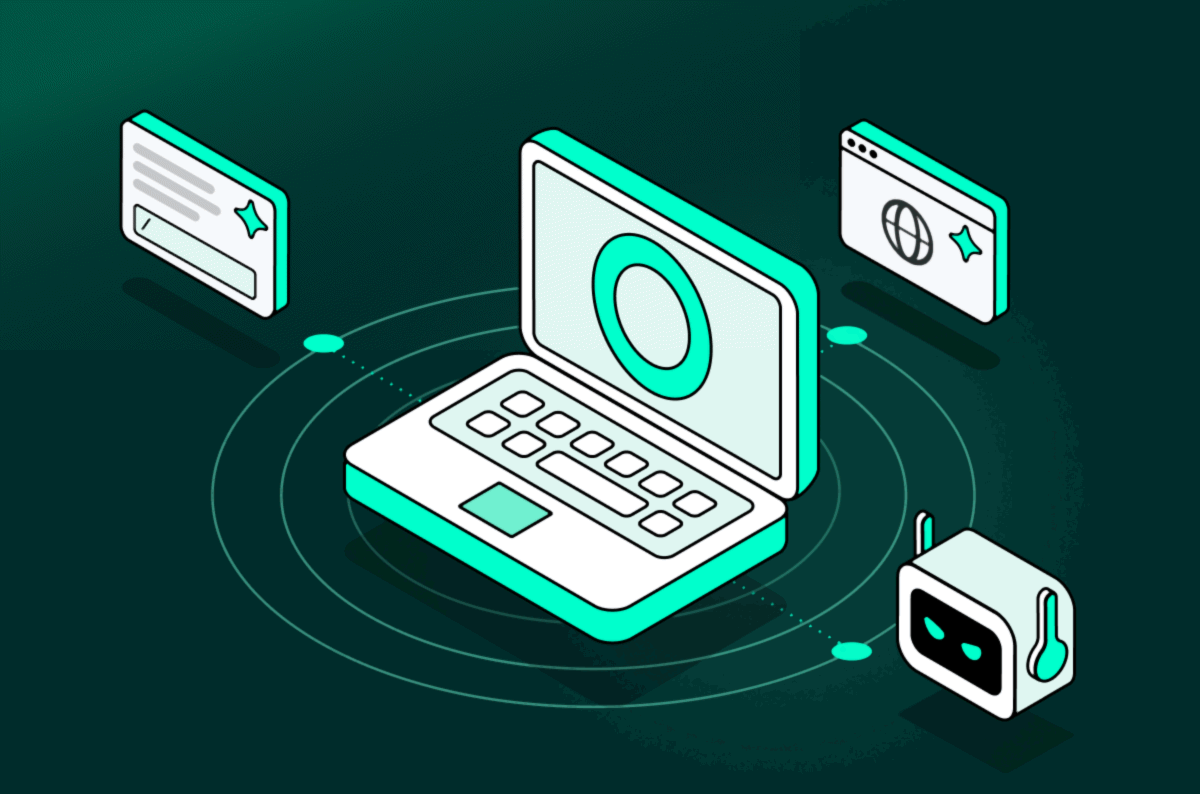
Cato AI Endpoint is a lightweight client that secures AI in the browser, AI in desktop apps and the coding agents developers run locally.
Separate point products leave blind spots on the endpoint
Take two employees on an ordinary afternoon. Sam, a developer, asks a coding agent to tidy up a build.
The agent opens the project files and reads the passwords inside. Then the agent pulls in a tool or a skill your security team never approved.
Maya in finance pastes a customer list into the ChatGPT app because she wants a summary before her next meeting. Neither Sam nor Maya means any harm.
Most of today’s security tools miss both. Endpoint detection and response (EDR) hunts for malware, and a coding agent doing what it was asked isn’t malware.
The web filter watches the browser, and network tools see what leaves the endpoint.
Sam’s agent works inside the endpoint, so much of what it does doesn’t cross the network at all. Maya’s prompt does leave, but some AI desktop apps lock their connection to their own certificate (certificate pinning), so network tools can’t look inside their traffic. The customer list goes out, and your security team doesn’t see it.
Each of those tools still does the job it’s made for, but network security can’t see enough of the endpoint to control agentic AI.
Skills and Model Context Protocol (MCP) servers are add-ons that give agents extra abilities, and skills and MCP servers that sit installed but unused still widen the attack surface. An employee installs a skill once and forgets it, but the agent decides when to use it. If that skill can make web requests, the agent can use it to send data anywhere without asking.
Adding another point product for each kind of AI doesn’t close the gap either. Each product leaves its own blind spots and splits policy enforcement across more tools.
Secure browser AI, desktop AI and coding agents together
Cato AI Endpoint protects local agents, desktop apps, embedded AI assistants and web AI traffic with a lightweight client, so teams deploy and manage fewer tools. Protection starts with knowing which AI is already on your endpoints.
Discover Shadow AI and Agents. Shadow AI is AI that employees use without approval. Cato AI Endpoint can find the AI applications, local agents, MCP servers and skills on your endpoints, so your security team knows what is in use and what to govern first.
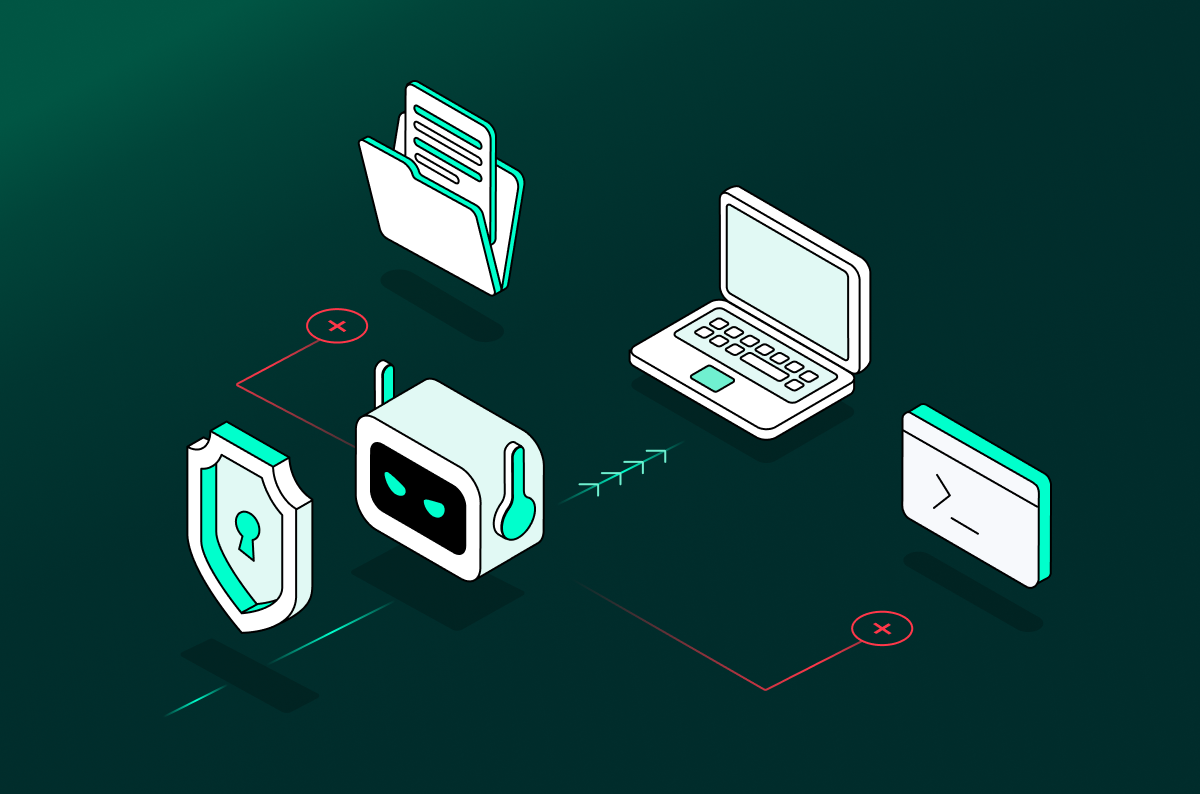
Protect Prompts and Responses Inline. When Sam’s agent calls the unapproved tool, Cato AI Endpoint can block the tool before it runs. The rest of the agent’s work carries on.
Cato AI Endpoint doesn’t act while Maya types or pastes. When Maya sends the prompt, Cato AI Endpoint can inspect and block the prompt on the endpoint before the customer list reaches the AI model. Maya sees a pop-up saying company policy blocked the prompt, and her session carries on.
The same user interaction rule applies to AI in the browser and desktop apps, with no extra configuration. When a prompt is sent, the rule can monitor it, block it or anonymize it by swapping names and other sensitive data for placeholders. Coding agents get monitor and block controls, and your team manages browser, desktop and coding agent protection from one dashboard.
Add AI security without replacing your existing stack
You’ve invested in EDR, in SSE (the cloud security service that includes your web filter) and in a VPN, and you can’t afford to disrupt them. You also need AI protection now.
Cato runs alongside the existing security stack. Only AI application traffic goes to Cato, and all other traffic stays on your existing tools, so you can see the AI in use within weeks.
The Cato AI Endpoint client goes out through device management like any other app. Finding the agents on an endpoint requires no network change. If another SSE client already runs on the endpoint, your team sets up both clients to run side by side.
Catch risky agents and prevent unsafe actions
Blocking Sam’s tool stops one unsafe action. Your security team also needs to know which other agents, MCP servers and skills on your endpoints are risky.
The Cato AI Endpoint client gives each skill a risk finding with a block, monitor or allow recommendation. Verified remote MCP servers get a badge. Cato can also flag risky agents, MCP servers and skills before they act, so teams can fix the riskiest first.
A week later, when someone asks which AI touched customer data, your team opens one dashboard and finds Sam’s blocked tool next to Maya’s blocked prompt. Each shows the user, endpoint and data behind it. Endpoint and network AI events sit in the same platform and data lake, so they share context.
Sam gets a tidy build without the unapproved tool, and Maya’s customer list stays inside the company.
For more details, read the solution brief or check the Cato AI Endpoint page and book a demo.


Related Articles
Zero Trust for AI Agents Starts After Login
Why so many AI security programs start with the OWASP Top 10
Where Cato Sits in the AI Economy